WIKIO AI 1.9.0
This release brings major upgrades to the Highlight Editor with custom tracks, keyframe-based framing, and animated Ken Burns. Transcription quality takes a leap forward with dual-ASR consensus and automatic glossary extraction, while a full UX pass refines split/merge, playhead, and reframe interactions.
Highlights
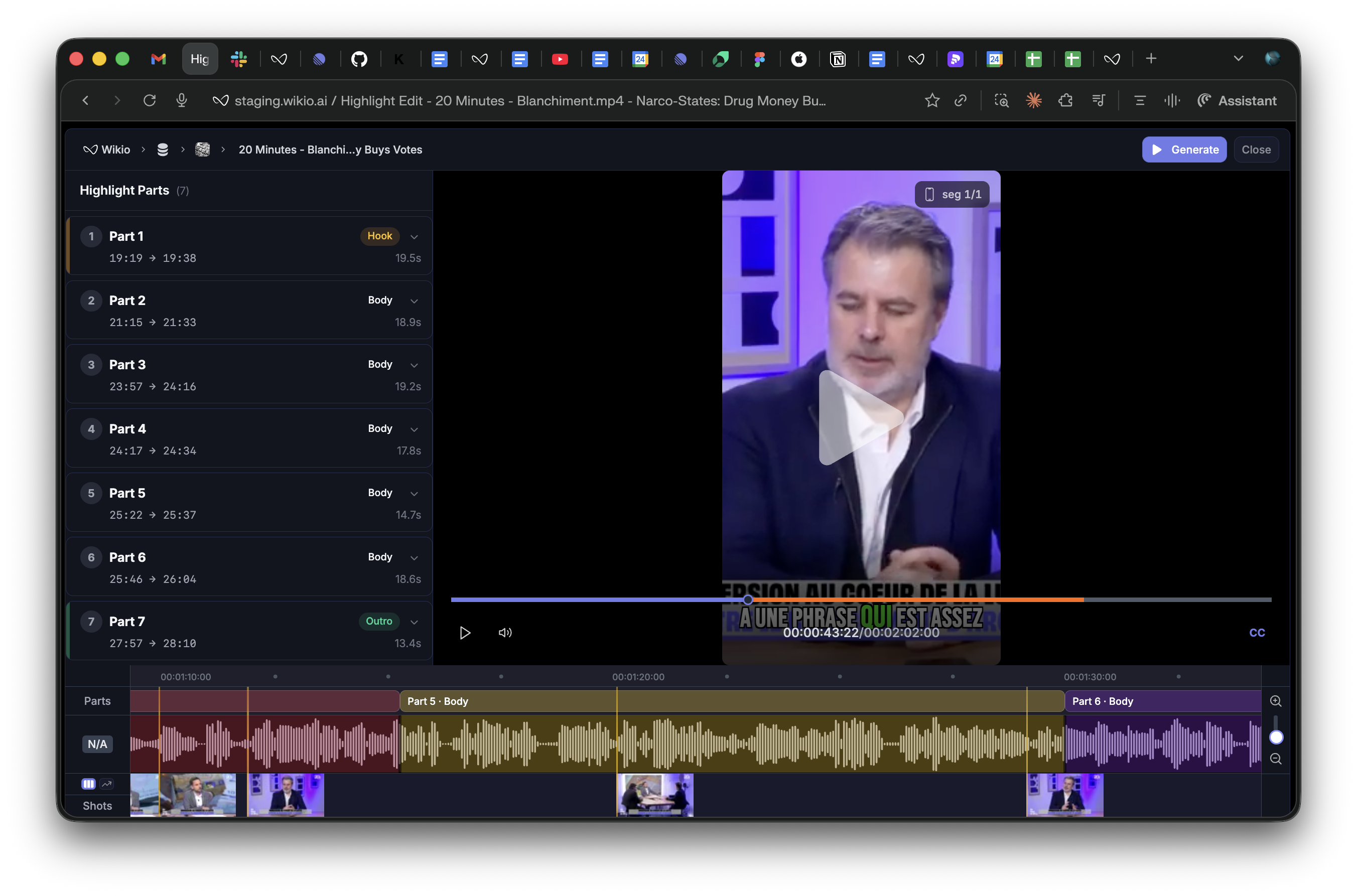
✅ Custom tracks, keyframe framing, and animated Ken Burns in the Highlight Editor
✅ Dual-ASR consensus with Whisper Fireworks for more accurate transcripts
✅ Automatic glossary extraction with deterministic Levenshtein matching
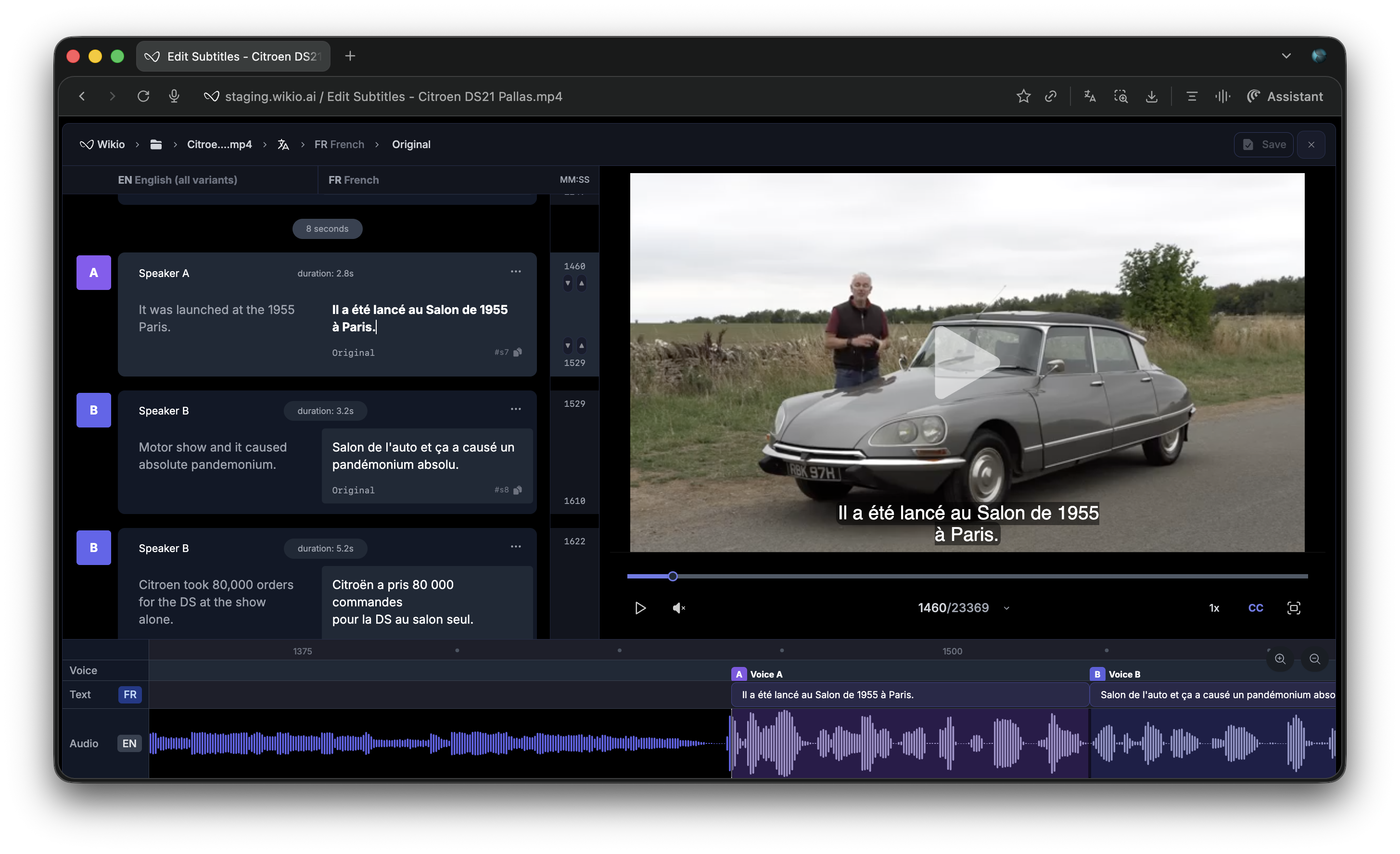
✅ Manual split/merge with undo/redo and direction-aware visual indicators

New Features
Highlight Editor — Custom Tracks & Framing
✅ Customizable tracks - Create and persist custom tracks with sequential numbering and auto-scroll to newly added tracks
✅ Framing track - Per-segment crop/reframe visualization with live updates and flat regions
✅ Framing keyframes - Add keyframes from the waveform tooltip or by double-click, with per-keyframe orientation and Ken Burns
✅ Animated Ken Burns - Segment mode animates transitions across a full keyframe cluster
✅ Shot thumbnails - Deduplicated S3 thumbnails with orphan filtering in the Shots track
Highlight Editor — UX Improvements
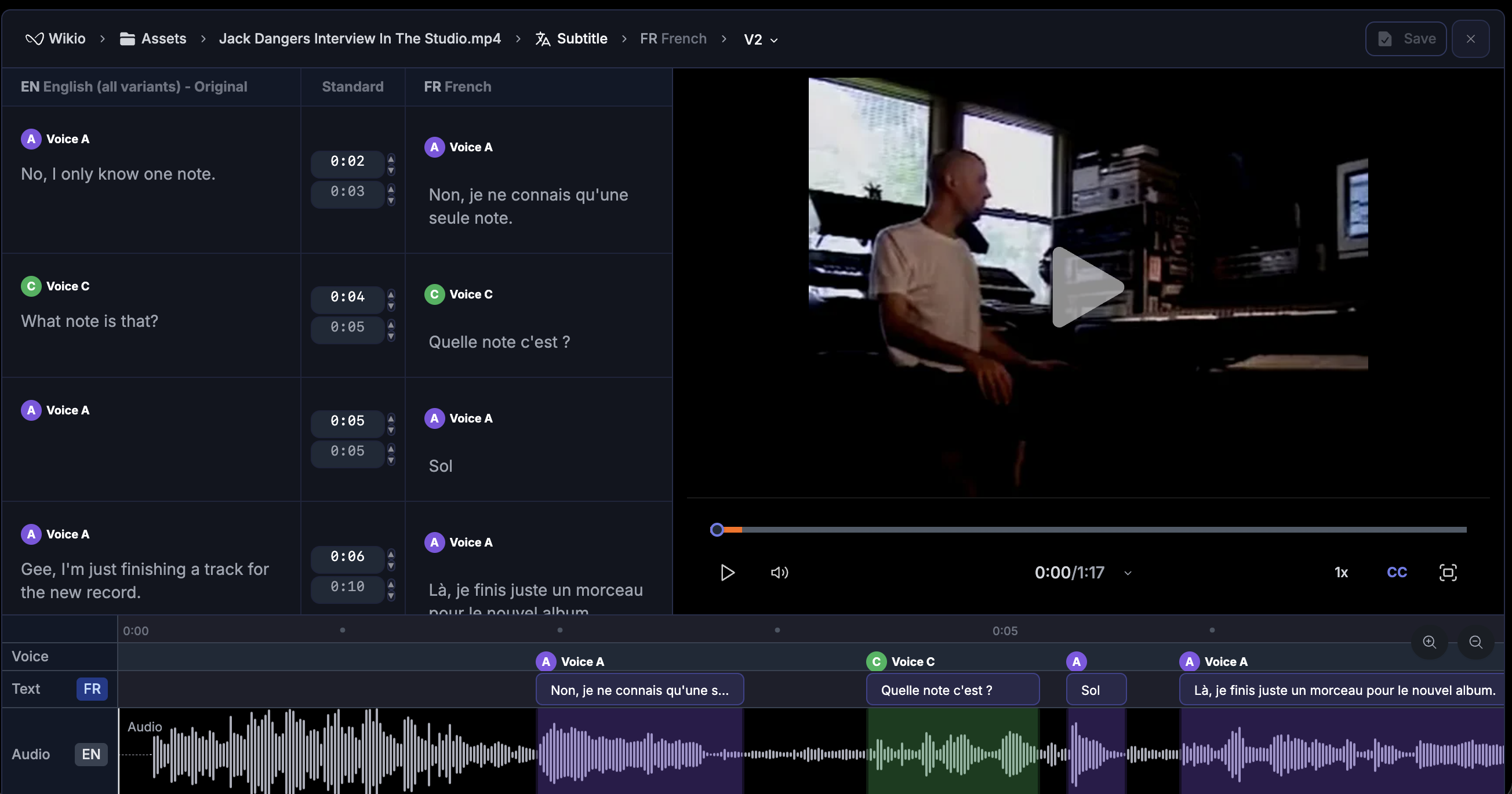
✅ Manual split/merge - Split and merge subtitle segments with undo/redo and adjusted tooltips
✅ Caption region delete - Delete caption regions with confirmation, gap detection, and proper regrouping
✅ Click-to-toggle - Click the player to play/pause
✅ Full-height playhead - Playhead and hover line now span the entire waveform height, with click-anchored repositioning
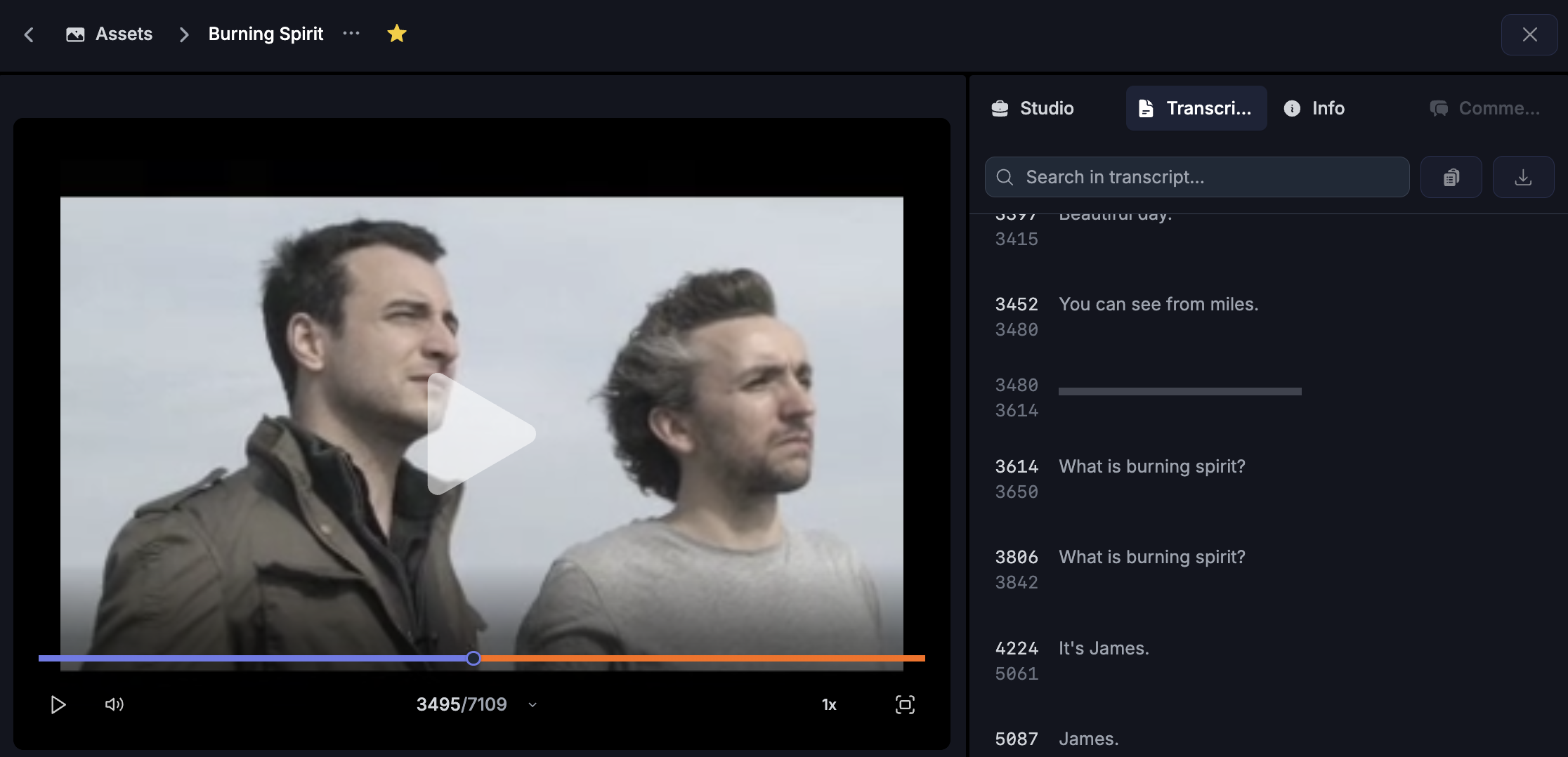
✅ Thumbnail preview on hover - Waveform hover shows a portrait 9:16 preview rendered via the player pipeline (pointermove throttled for performance)
✅ Reframe overlay - Opaque overlay blocks waveform interactions during reframe
✅ Keyboard shortcuts - Ctrl+S / Cmd+S saves the draft
✅ Waveform layout - Flex-based layout with 160px labels and corrected vertical alignment
Transcription & Subtitle Quality
✅ Dual-ASR consensus - Whisper Fireworks as a secondary ASR with word-level alignment and rule 4a hallucination fix
✅ Transcript QA pass - Heuristic + LLM pipeline with Unicode corrections, multi-word canonicalization, and char-bigram guard
✅ Auto-extracted glossaries - Deterministic Levenshtein matching and multi-language translator service replacing hardcoded mappings
✅ Reading time Pass 4.5 - Deterministic CPS trimming, floor trimming for slow lines, integer division fix in min_duration
Improvements
✅ ConfirmBox now supports configurable sizes (xs / sm / md)
✅ Playback manager refactored: PlaybackFramingResolver extracted, subtitle track rendering split, magic numbers replaced by constants
✅ Reframe controller split into three dedicated managers
✅ Email notifications now enabled by default for new users
Bug Fixes
✅ Fixed version selector crash caused by an undefined route helper
✅ Fixed framing orientation loss on rebuild
✅ Fixed caption regrouping after region deletion
✅ Fixed integer division in min_duration reading-time calculation
✅ Multiple bot-review findings addressed across PRs #1223, #1225, #1226