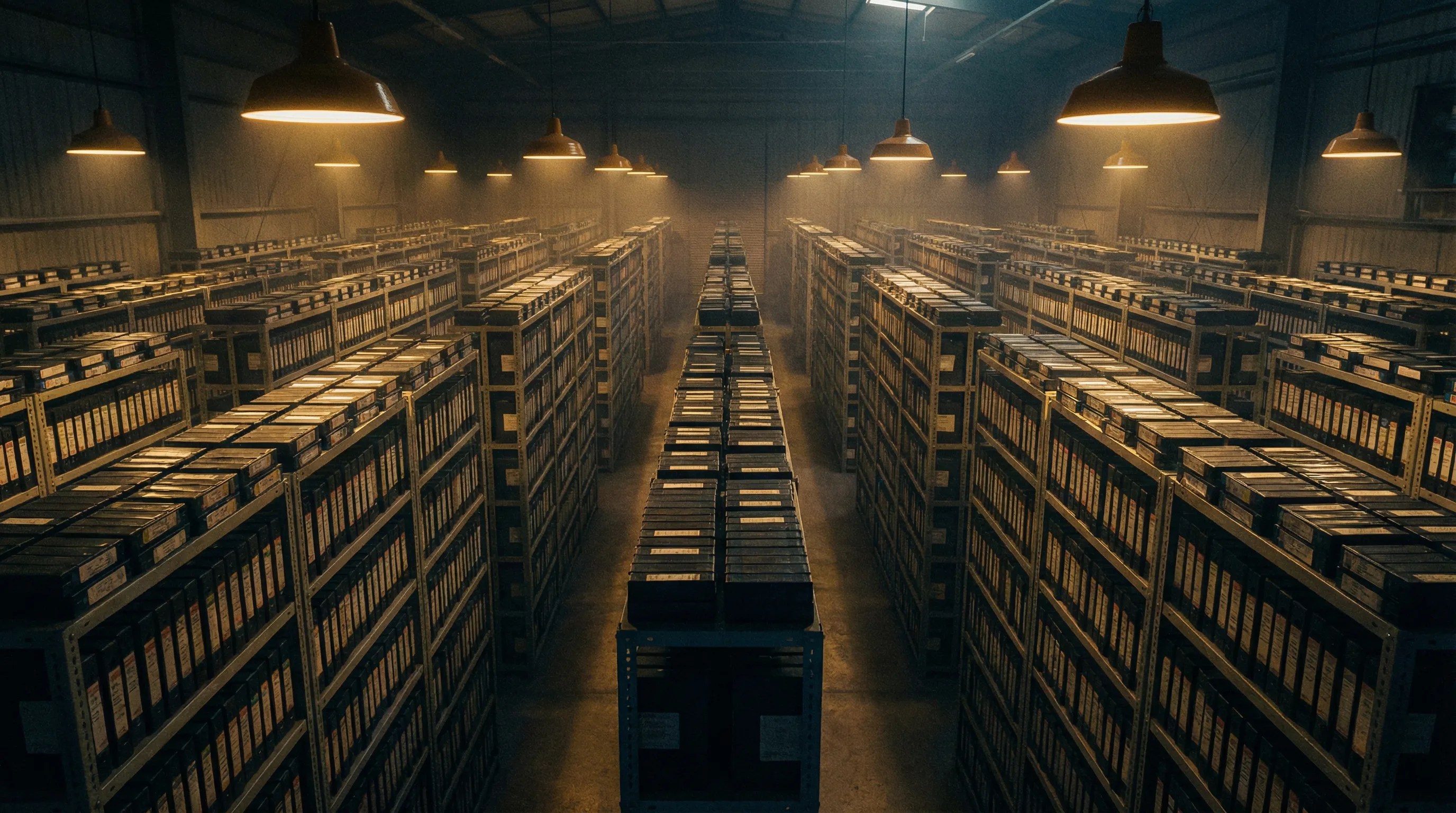
How to Organize 10,000+ Video Assets Without Losing Your Mind
If you have ever spent thirty minutes searching for a specific clip you know exists somewhere in your video library, you understand the problem. Now multiply that experience across an entire team, every day, and the cost becomes clear. Lost time, duplicated work, missed deadlines, and the quiet frustration of knowing that the content you need is buried somewhere in a labyrinth of folders, drives, and platforms.
For organizations managing thousands, or tens of thousands, of video assets, the organizational challenge is not trivial. But it is solvable. This guide lays out a practical, step-by-step approach to bringing order to even the most sprawling video libraries.
Step 1: Audit What You Have
Before you can organize anything, you need to understand the scope of the problem. Conduct a thorough audit of your existing video assets. This means cataloging every location where video files currently live: local drives, shared network folders, cloud storage services, project management tools, email attachments, and any legacy DAM systems.
For each location, document:
- Approximate number of files
- Total storage size
- Date range of content (oldest to newest)
- General categories (marketing, training, product, events, raw footage, final cuts)
- Who has access and who is responsible for each collection
This audit will reveal duplication, orphaned files, and gaps in your current organization. It also provides the baseline you need to measure progress.
Step 2: Define Your Taxonomy
A taxonomy is the classification system you will use to categorize your video assets. It should be specific enough to be useful but flexible enough to accommodate future content. The most effective taxonomies for video libraries include several dimensions:
Content Type
Distinguish between raw footage, edited cuts, final approved versions, trailers, teasers, social clips, interviews, screencasts, and animations.
Project or Campaign
Group assets by the project, campaign, or initiative they belong to. This is often the most intuitive way for team members to find what they need.
Date and Time Period
Organize by production date, publication date, or fiscal quarter. Temporal organization is especially important for compliance and archival purposes.
Department or Team
If multiple departments produce video, tag assets by the owning team: marketing, product, HR, sales, customer success, and so on.
Status
Track the lifecycle of each asset: draft, in review, approved, published, archived, deprecated.
Language and Region
For global organizations, tag content by language and target market.
Document your taxonomy in a shared, accessible location and ensure that every team member who uploads or manages video understands and follows it consistently.
Step 3: Establish Naming Conventions
Filenames are often the first and only metadata a team member sees when browsing a folder. A consistent naming convention eliminates guesswork and makes even basic file system searches more effective.
A proven format for video files is:
[Date]_[Project]_[ContentType]_[Version]_[Language].[ext]
For example:
2025-11-01_ProductLaunch_Interview_v3_EN.mp4
2025-10-15_Q4Campaign_SocialClip_v1_FR.mp4
Rules to enforce:
- No spaces in filenames. Use hyphens or underscores.
- Always include a version number.
- Use ISO date format (YYYY-MM-DD) for consistent sorting.
- Keep names concise but descriptive.
Naming conventions only work if they are adopted universally. Automate enforcement where possible and include naming guidelines in your onboarding process for new team members and external collaborators.
Step 4: Centralize Your Library
Scattered assets are the root cause of most organizational failures. The single most impactful step you can take is to consolidate all video assets into one centralized platform.
This does not mean dumping everything into a shared Google Drive folder. It means choosing a purpose-built video management platform that supports the scale, metadata, and collaboration features your team needs.
When evaluating platforms, prioritize:
- Scalable storage that handles large video files without performance degradation
- Rich metadata support including custom fields, tags, and categories
- Full-text search across filenames, metadata, and ideally video transcriptions
- Access controls that let you manage permissions by team, role, or project
- Integration capabilities with your editing tools, project management systems, and publishing platforms
WIKIO AI was designed specifically for this use case. It provides a centralized hub where teams can upload, organize, search, and collaborate on video assets at scale. Every video uploaded to WIKIO AI is automatically transcribed and indexed, making the entire library searchable by spoken content, not just filenames and tags.
Step 5: Automate Metadata with AI
Here is where most organizations hit a wall. They know metadata is important. They know tagging and categorization improve discoverability. But the manual effort required to tag thousands of existing videos, let alone every new upload, is simply not realistic for most teams.
This is the problem AI was built to solve.
Modern AI-powered platforms can automatically generate metadata for video assets, including:
- Transcriptions of all spoken content
- Topic and keyword extraction from audio and visual content
- Scene detection and description identifying what appears in each segment
- Object and brand recognition spotting logos, products, and specific visual elements
- Language detection for multilingual libraries
- Sentiment and tone analysis categorizing content by emotional register
WIKIO AI applies these capabilities automatically at the point of upload. Every video that enters the system is processed by AI models that generate a comprehensive metadata profile without any manual intervention. This means your library becomes more searchable and better organized with every upload, not less.
For existing libraries, WIKIO AI can process backlog content in bulk, retroactively enriching thousands of assets with AI-generated metadata. This transforms a disorganized archive into a fully searchable knowledge base.
Step 6: Implement Version Control
Video projects evolve through multiple iterations. Without version control, teams inevitably encounter the "final_final_v3_REAL" problem where no one knows which file is the actual approved version.
Effective version control for video requires:
- Automatic version tracking that logs each new upload or edit as a distinct version
- Clear version labeling that distinguishes drafts from approved finals
- Side-by-side comparison capabilities for reviewing changes between versions
- Rollback functionality so teams can revert to previous versions if needed
- Audit trails that record who made changes and when
Build version control into your workflow from the start. Define what triggers a new version, who has authority to approve final versions, and how deprecated versions are handled.
Step 7: Design Workflows for Ongoing Maintenance
Organization is not a one-time project. It is an ongoing practice. Design workflows that maintain order as your library grows:
- Upload protocols: Define where and how new content enters the system. Require metadata at the point of upload.
- Review cycles: Schedule quarterly reviews to archive outdated content, remove duplicates, and update metadata.
- Access audits: Regularly review who has access to what and adjust permissions as team members change roles.
- Training: Ensure new team members and external collaborators are onboarded on your organizational standards.
Step 8: Measure and Iterate
Track metrics that indicate the health of your video library:
- Average time to find a specific asset: This is the most direct measure of organizational effectiveness.
- Percentage of assets with complete metadata: Identify gaps in tagging and categorization.
- Duplicate asset ratio: Monitor how many redundant files exist in the system.
- Usage and reuse rates: Understand which assets are being used and which are sitting idle.
Use these metrics to refine your taxonomy, improve your workflows, and make the case for continued investment in video management infrastructure.
The Bottom Line
Organizing 10,000+ video assets is a significant undertaking, but it does not require heroic effort if you approach it systematically. Audit what you have, define clear organizational structures, centralize your library, and lean heavily on AI to automate the metadata work that would otherwise consume your team.
The organizations that master video asset management gain a real competitive advantage. They move faster, waste less, and extract more value from content they have already invested in producing. The ones that do not will continue to lose hours, days, and weeks to the chaos of disorganized libraries.
Start with one step. Build momentum. And choose tools that were designed for the scale of the problem you are solving.